
 CINCINNATI LOCKSMITH
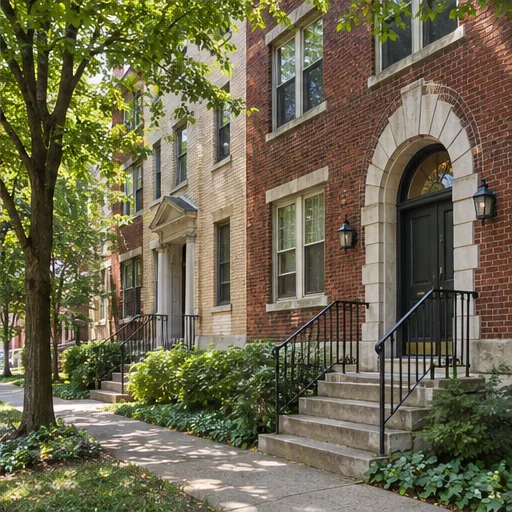
Start with the lease and the unit
If you left your key inside your rental, see whether a roommate, landlord, or property manager is available. Ask if the property has a lockout procedure. Keep the address, unit number, and proof you can authorize access ready. If those documents are inside, tell us when you call so we can explain what will be needed.
For trouble at the common building entrance, reach the property contact before arranging a change. Other tenants depend on that door working as expected. Give the manager a plain description of the issue. The key may be missing, the latch might fail to catch, or the shared door might require its own access arrangement.
Settle access when you move in
The first week in a new place is a good time to learn which entrances belong to the rental and how you are supposed to reach the building after business hours. Find out what can be rekeyed if an old key is unaccounted for, and whether the lease or manager sets rules about new hardware.
If you want a keypad, bring it up before buying one or making any changes. Confirm how the door is used, whether you can keep the original hardware, and how the property owner will handle access when your lease ends.
Find a vehicle near UC
University parking maps show several named parking facilities around campus. Check a sign, ticket, or campus parking map for the exact garage. Tell us the floor, vehicle location, and which entrance is reachable from the street. If campus staff manage access, ask what you need to do before anyone can meet you at the car.
For a lost key, have the vehicle year, model, and ignition type ready. If you need help getting in, the location and proof of permission may affect how the visit is arranged.
Pick the next call based on the door
At a shared building entrance, your property contact is the starting point. If it's the unit door and you have permission, call LockReach and give the entrance you use from Ludlow or the nearest side street. From a UC parking facility, use the name on the sign and describe the car's location instead.